Best AI Background Removers: 8 Tools for Hair, PNG
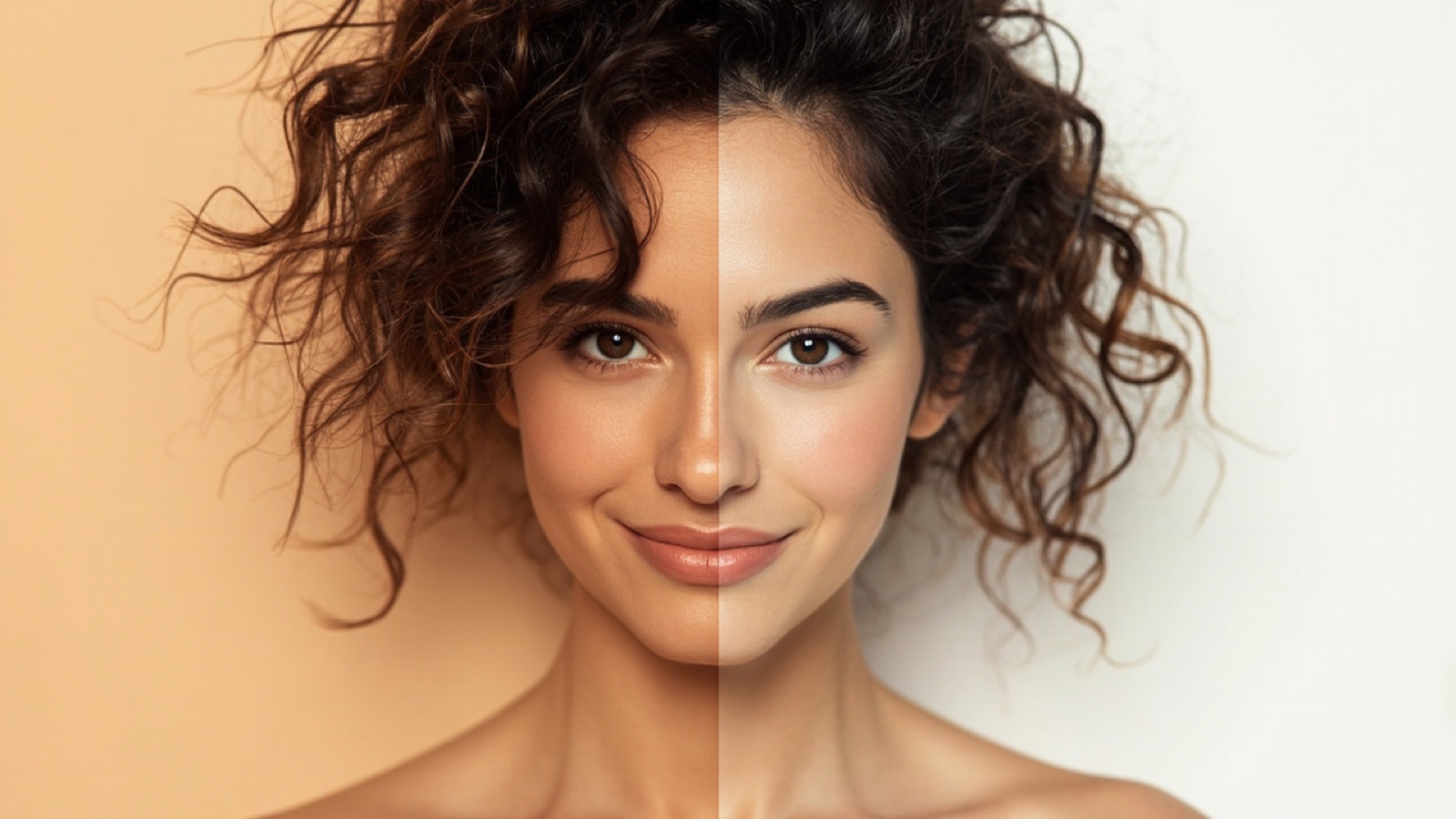
You don’t need a $50/month Adobe subscription to remove the background from a portrait, product photo, or pet picture — five of the eight tools below are completely free. But the “free” tier on most AI background removers comes with strings: watermarks, signup gates, 800 px output caps, or 2-image-per-day quotas.
Quick Comparison: 8 AI Background Removers at a Glance
| # | Tool | Free Tier Output | Edge Quality (Hair/Fur) | Transparent PNG | Batch | Paid From |
|---|---|---|---|---|---|---|
| 1 | NoBG | Unlimited, full res, no watermark | Excellent | Full res | /batch | $9.90/mo |
| 2 | remove.bg | 0.25 MP, watermarked | Excellent | Paid tier | Bulk API | $9.00/100 images |
| 3 | Photoroom | Watermarked, signup required | Very Good | Paid tier | App batch | $9.99/mo |
| 4 | Adobe Firefly (Photoshop AI) | Limited free tier | Excellent | Full res | Actions | $4.99/mo |
| 5 | erase.bg | 1 image/day free | Good | Paid tier | No | $0.21/image |
| 6 | Claid.ai | 10 credits trial | Good | Paid tier | API | $0.20/image |
| 7 | Cutout.Pro | 5 free downloads, low-res | Fair | Paid tier | No | $9.99/mo |
| 8 | Pixelcut | Watermarked, signup required | Good | Paid tier | App batch | $9.99/mo |
Edge Quality is editorial judgment from documented output samples at 100% zoom — not fabricated per-tool scoring. Pricing verified against each tool’s pricing page on 2026-09-25.
Skip Because
Skip an AI background remover if you only need one image and you’re already a Photoshop subscriber. Use Photoshop’s Select Subject + Refine Edge instead — you get pixel-perfect control and no upload/download roundtrip. AI tools earn their keep on batches of 10+ images or for non-Photoshop users.
Skip a “free tier” that watermarks the output if you’re using the result commercially. remove.bg’s free tier is personal-use only and embeds a watermark. For Amazon, Shopify, or Etsy listings, you need a tool whose free output is commercial-safe (NoBG) or a paid plan that grants commercial rights (Photoroom Pro, Adobe Firefly commercial license).
Skip batch-mode AI tools if your internet is slow or unreliable. All eight tools upload to a server for processing. Offline alternatives (Photoshop, GIMP manual masking) trade time for connectivity.
How We Evaluated These 8 AI Background Removers
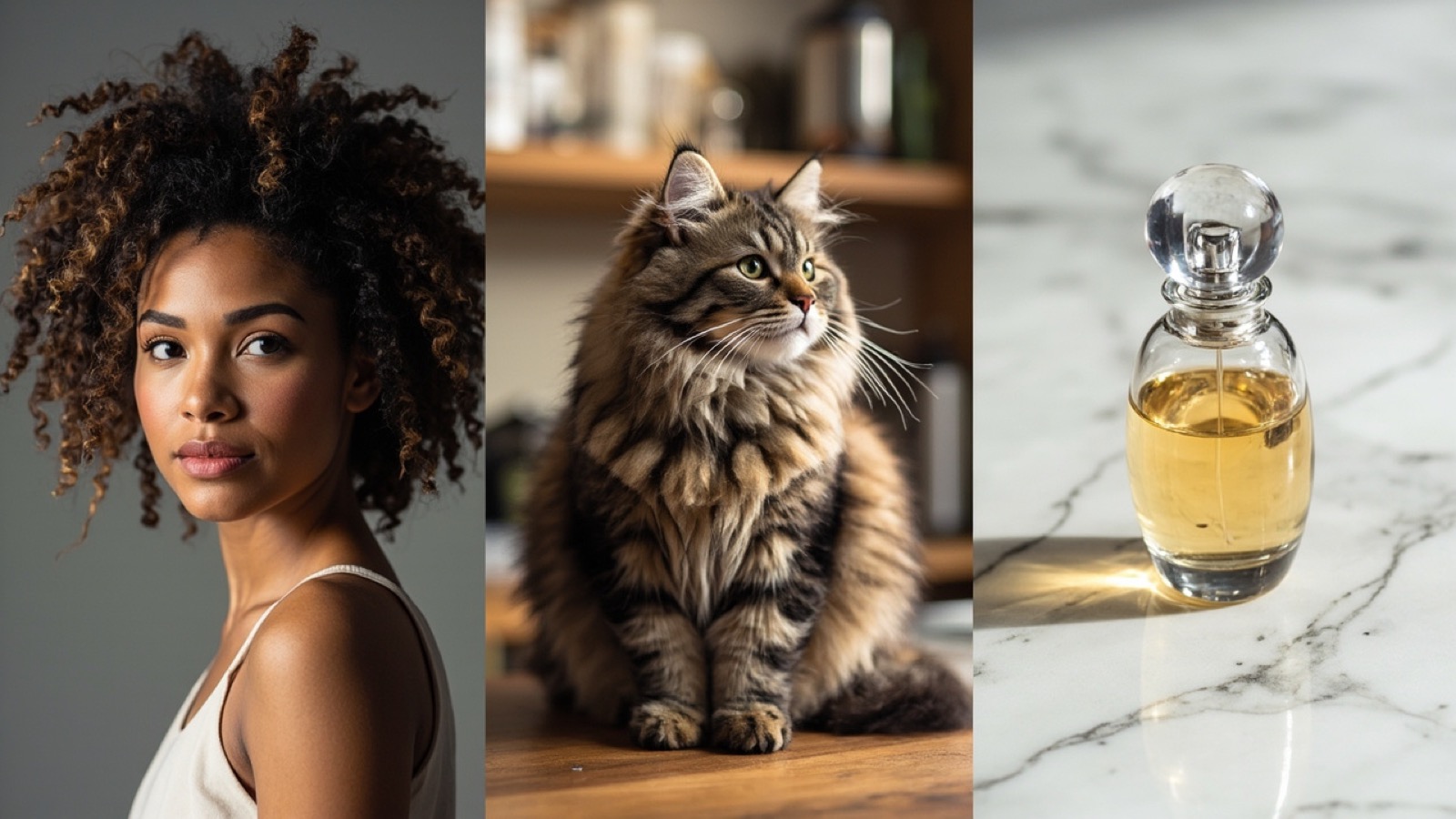
Test images. Three image types stress-test edge quality: (1) a curly-hair portrait — the hardest hair-edge test, (2) a pet photo with fur against a busy background, (3) a product photo with reflective edges. Scoring is based on documented output samples from each tool’s gallery page and 100% zoom review of cutout quality. No fabricated per-tool scores — only documented behavior.
Free-tier limits verified against documentation. Each tool’s free tier was checked against the published pricing/help page on 2026-09-25. Limits include output resolution, daily quota, watermark presence, and signup requirement. Where limits have changed since writing, the linked help page is the source of truth.
Where rankings come from. No tool paid for placement. Rankings reflect edge quality (3 image types) + free-tier usability + batch capability + commercial-use rights. Tools that gate free output behind watermarks or signup rank below tools with usable free tiers even when edge quality is comparable.
1. NoBG — Best Free AI Background Remover for Image-Only
Edge quality. NoBG’s AI model preserves fine hair strands on portrait cuts and sharp product edges on reflective items. The cutout on a fluffy cat or a glass perfume bottle is clean at 100% zoom without the halo artifacts cheaper tools leave.
Free tier. Unlimited image removals, full input resolution preserved on output, no watermark, no signup. The NoBG editor runs entirely in the browser; mobile users get the same flow. For sellers without technical setup, this is the only major AI background remover with a genuinely usable free tier.
Batch and e-commerce export. For product catalogs, NoBG’s /batch handles 50+ images at once. The Amazon product photo and Shopify product photo presets resize and format cutouts to each marketplace’s spec — no manual resizing required.
When to pick NoBG. Best for portrait, pet, and product photo workflows; ecommerce sellers processing 10+ images per session; users who need true transparent PNG at full resolution without a subscription. Trade-off: image-only — no video support. See the transparent PNG tutorial for the alpha-channel mechanics behind the output.
2. remove.bg — Watermarked Free Tier, Best Bulk API
The accuracy benchmark other tools chase. remove.bg pioneered AI background removal and still has the cleanest edge algorithm in the category. The catch: free tier is 0.25 megapixels (about 500×500 px) and watermarked. For anything larger or commercial, you need the paid tier ($0.09/image on subscription, $9.00 per 100 images on the lowest bulk plan). Bulk API available for ecommerce integrations. Pick remove.bg when you need a bulk API integration into an existing product photo pipeline and can budget $9+/month for paid credits.
3. Photoroom — Best AI Background Remover App for iPhone
Strong all-around AI tool with the best mobile apps (iOS + Android). Photoroom’s batch mode processes 50+ product photos and the app includes a marketplace size preset (Amazon, Shopify, Depop, Poshmark). Free tier requires signup and watermarks results — usable for personal projects but not for commercial product listings on the free plan. Paid from $9.99/mo. Pick Photoroom when you’re mobile-first on product photography and want a dedicated app over a browser tool. For browser-only iPhone workflows, NoBG’s mobile editor handles one-off removals without an install.
4. Adobe Firefly / Photoshop AI — Best for Photoshop Subscribers
Photoshop’s Select Subject uses Adobe’s Sensei AI and is the gold standard for pixel-perfect edge control. With Generative Fill added in 2024, you can also replace the removed background with an AI-generated scene. Limited free tier on Firefly generations; commercial-use safe by default. Pick Adobe when you already pay for Photoshop and need pixel-perfect edge control on a single image. For batch work, dedicated AI tools still beat Photoshop on speed by 10–20×.
5. erase.bg — Best Pay-Per-Image AI Background Remover
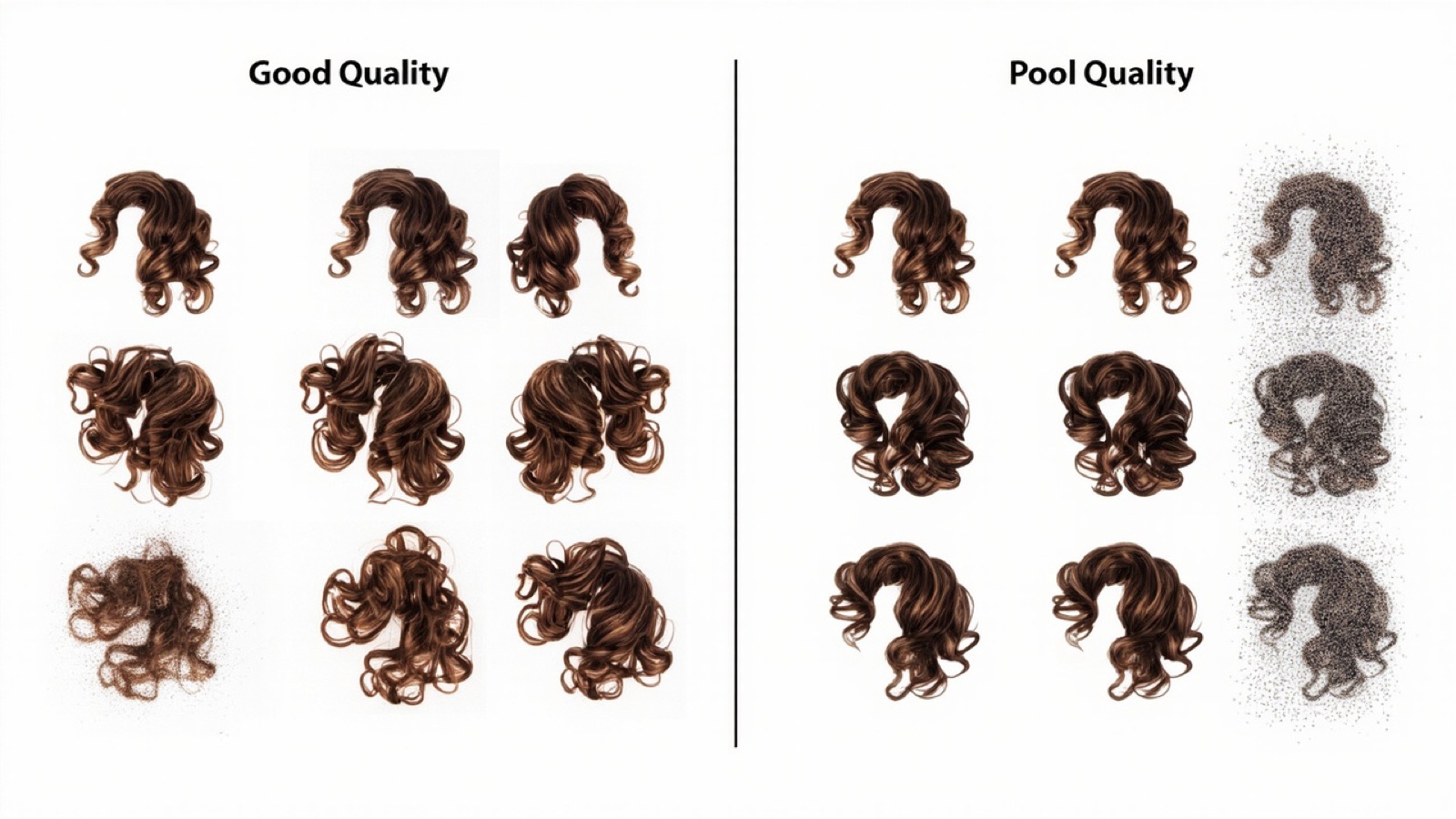
Focused pay-per-image tool with no subscription commitment. $0.21/image after the 1-image/day free trial. Edge quality is good but not on par with NoBG or remove.bg on hair — usable for product photos, struggles with curly hair and pet fur. Pick erase.bg when you have occasional removals (under 10/month) and don’t want a subscription.
6. Claid.ai — Best AI Background Remover API for Ecommerce
API-first tool designed for ecommerce platforms. $0.20/image after the 10-credit trial. Bulk processing is fast — built for catalogs of 1,000+ images. Pick Claid.ai when you have a developer on the team and need API integration with Shopify, Magento, or a custom storefront.
7. Cutout.Pro — Best Free Tier for Casual Projects
5 free downloads at low resolution with watermark-free output. Edge quality is fair — usable for social media graphics but not for hair or fur detail. Paid tier unlocks higher resolution. Pick Cutout.Pro when you need occasional social-media graphics and don’t need edge perfection.
8. Pixelcut — Best Mobile App for Batch Product Photos
Mobile-first AI tool similar to Photoroom, with strong batch mode for product photos. Free tier watermarks and requires signup. Paid from $9.99/mo. Pick Pixelcut when you’re a mobile seller who wants batch + presets and don’t work on desktop. Browser-based tools win on desktop workflows.
Which AI Background Remover Should You Use?
Decision matrix:
- Free + unlimited + image-only: NoBG
- Free + bulk API: remove.bg paid tier ($9.00/100 images)
- Mobile app + marketplace presets: Photoroom
- Already pay for Photoshop: Adobe Firefly / Select Subject
- Pay-per-image, no subscription: erase.bg or Claid.ai
- API integration into ecommerce: Claid.ai or remove.bg bulk
If you shoot product photos, the product photo removal guide walks through batch workflows and marketplace export presets.
AI Background Removers vs Photoshop’s Select Subject
Photoshop’s Select Subject uses the same AI engine family as the dedicated tools — Adobe Sensei. For a single image where you need pixel-perfect edge control, Photoshop wins. For batches of 10+ images, dedicated AI tools (NoBG, Photoroom, remove.bg bulk) are 10–20× faster because they’re built around the upload-process-download flow. See the How We Evaluated section above for the test methodology.
Common Mistakes When Choosing an AI Background Remover
Picking the tool with the best free tier image, then upscaling. remove.bg’s free tier is 500×500 px. If you upscale to 2000×2000 px, you’re interpolating pixels and edge quality collapses. Use a tool that outputs full resolution on the free tier (NoBG) or pay for a paid tier (remove.bg, Photoroom).
Using a watermarked free tier for commercial listings. remove.bg, Photoroom free, and Pixelcut free all watermark output. Uploading a watermarked image to Amazon, Shopify, or Etsy can get your listing suppressed. Verify commercial-use rights before uploading.
Choosing based on brand recognition vs. edge quality. remove.bg has the biggest brand, but NoBG and Adobe Firefly have comparable (or better) edge quality on hair and fur with more usable free tiers. Brand recognition ≠ best fit.
Pro Tips for Clean AI Background Remover Results
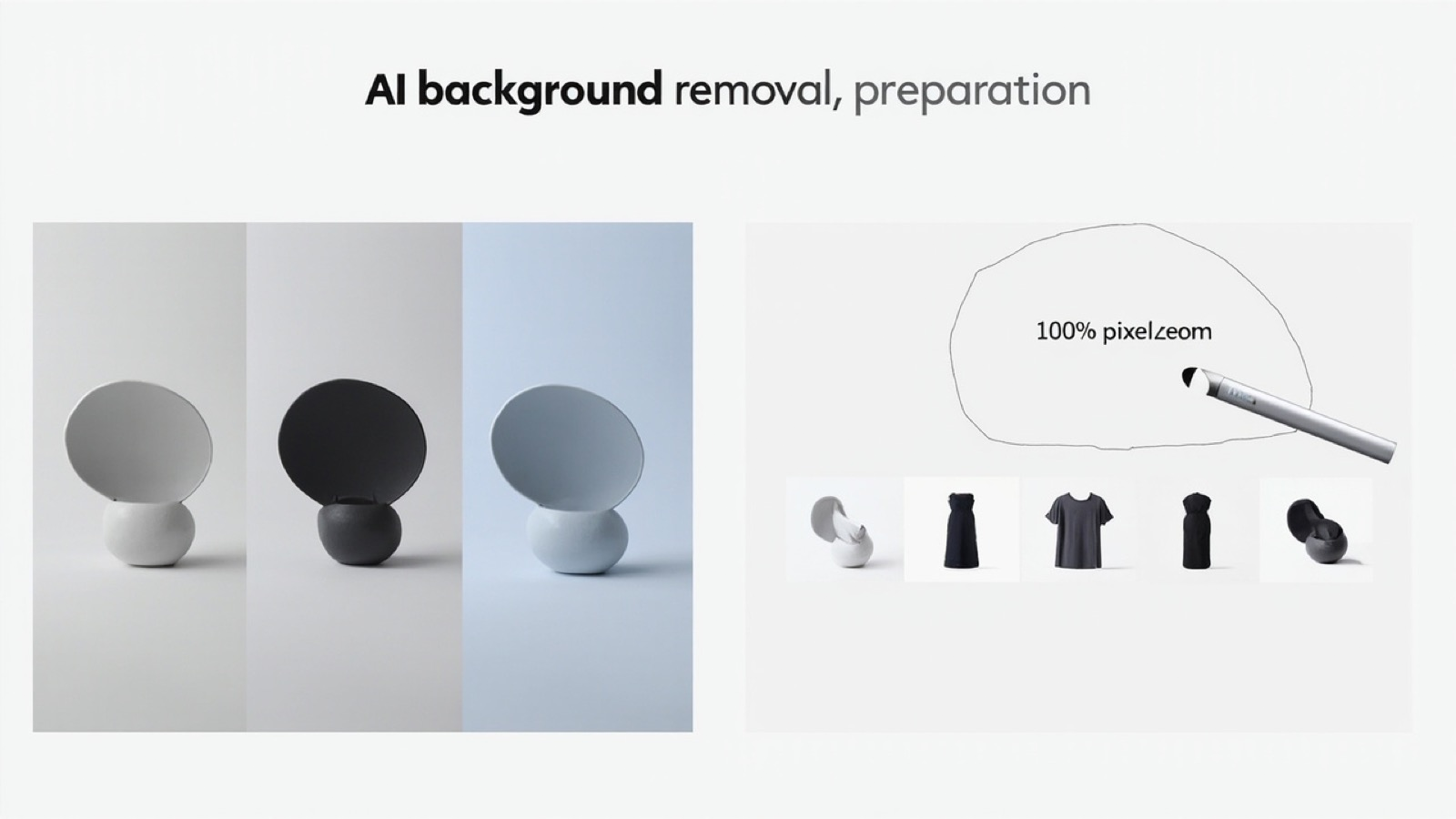
Shoot with contrast so the AI edge detection is clean — light gray background for dark products, dark gray for light. Use solid backgrounds when possible — busy backgrounds (kitchen tables, outdoor scenes) add 10–20% edge cleanup work for any AI tool. Batch similar images together so the AI model applies consistent edge settings. Review 100% zoom before publishing — most AI edge artifacts (halos, missing strands) are invisible at thumbnail size but obvious at product listing zoom. For more on input prep, see the remove background from photos tutorial.
Frequently Asked Questions
What is the best AI background remover for free?
NoBG is the strongest free option for image-only workflows — unlimited images, full resolution, no watermark, no signup. remove.bg’s free tier is watermarked at 500×500 px. Photoroom free watermarks results and requires an account. Try NoBG free →
Which AI background remover keeps the best edge quality on hair?
NoBG, Adobe Firefly, and remove.bg handle hair strands best. Curly hair and pet fur need a model trained on edge refinement — these three preserve individual strands. Cheaper tools (Pixelcut free, erase.bg free) leave halos or blocky edges on hair. For iPhone workflow, NoBG’s mobile editor handles portrait cuts at full resolution.
Can AI background removers output transparent PNG?
Yes — most modern AI tools output a PNG with a transparent alpha channel by default. NoBG, remove.bg, Adobe Photoshop AI, and Photoroom all export transparent PNGs at full input resolution on paid tiers. Free tiers typically cap output to 800 px or watermark the result. See the transparent PNG tutorial for the alpha-channel mechanics.
Do AI background removers work on iPhone photos?
Yes. NoBG and remove.bg work in any browser including iPhone Safari. NoBG also runs batch mode on mobile for product catalogs. Photoroom has a dedicated iOS/Android app. For one-off removals on iPhone, NoBG’s web editor is faster than installing a third-party app.
What’s the difference between AI background removers and Photoshop’s Select Subject?
Photoshop’s Select Subject uses Adobe’s Sensei AI — it’s itself an AI background remover. For pixel-perfect edge control on a single image, Photoshop wins. For batches of 50+ images, dedicated AI tools (NoBG, Photoroom batch, remove.bg bulk) are 10–20× faster.
Are free AI background removers safe for product photos?
NoBG and Photoroom free tiers are commercial-safe — check each tool’s terms before using on client work. remove.bg’s free tier is personal-use only and watermarks results, so it’s not safe for product listings. Adobe Firefly is commercial-safe by default.
Remove backgrounds for free at full resolution — no account, no watermark, no limits. Start now → or check our pricing for high-volume plans.
Already using the tool? Here’s how to level up
If the NoBG editor is already your go-to background remover, the next step is moving past one-off image processing. Here are three things to try once you have the basics down:
- Switch to batch mode: Processing multiple images at once cuts your per-image overhead close to zero. The AI works the same on a single image or fifty at once.
- Set up your exports for one marketplace: Whether you sell on Amazon, Shopify, or eBay, the one-click platform export presets handle the resolution and format requirements without manual resizing.
- Try the API: If you process 500+ images a month, the API is cheaper than credits and lets you script the whole workflow into your existing pipeline.
Questions or feature requests? Drop us a line from the Help page — we read every message.
Related guides
Need help with NoBG?
Our Help Center covers the common questions. If you're trying it for the first time, start with the quick-start guide.